The Detector User Interface
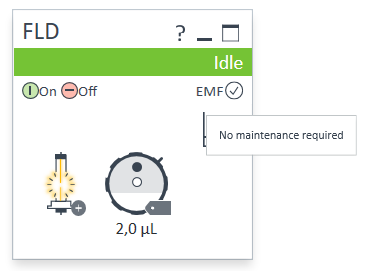
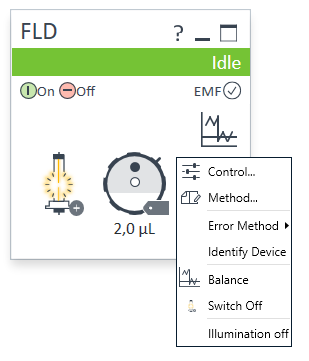
| Within the detector GUI, there are active areas. If you move the mouse cursor across the icons the cursor will change.
|
| EMF Status shows Run / Ready / Error state and “Not Ready text” or “Error text”
|
| Module Status shows Run / Ready / Error state and “Not Ready text” or “Error text”
|
| A right-click into the Active Area will open a menu to
|
base-id: 13911483275
id: 9007213166224267