Replace the Flow Cell
When
|
Parts required
Qty. | p/n | Description | |
|---|---|---|---|
1 |  | G7123-60500 | Flow Cell 2 µL |
1 | | G7123-60300 | Flow Cell 13 µL |
1 | | 0100-1259 | Plug-Screw 1032- Fitting |
Prerequisites
|
WARNING
UV radiation and blue light.
- Proper PPE (Personal Protective Equipment) must be used.
- Do not look directly into the light, do not place hands into the cell compartment and do not put anything into the light path.
- Never open the housing while the lamp is on.
- Turn off the lamp before changing the cell.
NOTE
The flow cell is shipped with a filling of isopropanol. This is to avoid breakage due to subambient conditions. In case the flow cell is not used for some time (stored), then flush the flow cell with iso-propanol.
NOTE
Maximum safe daily UV/blue light energy dose at a distance of 50 cm (according to IEC 62471) is reached after 8 hours if detector is operated with opened lamp service door.
NOTE
Use PEEK finger-tight fittings on the cell. Avoid use of wrenches on an installed cell.
Open the doors.
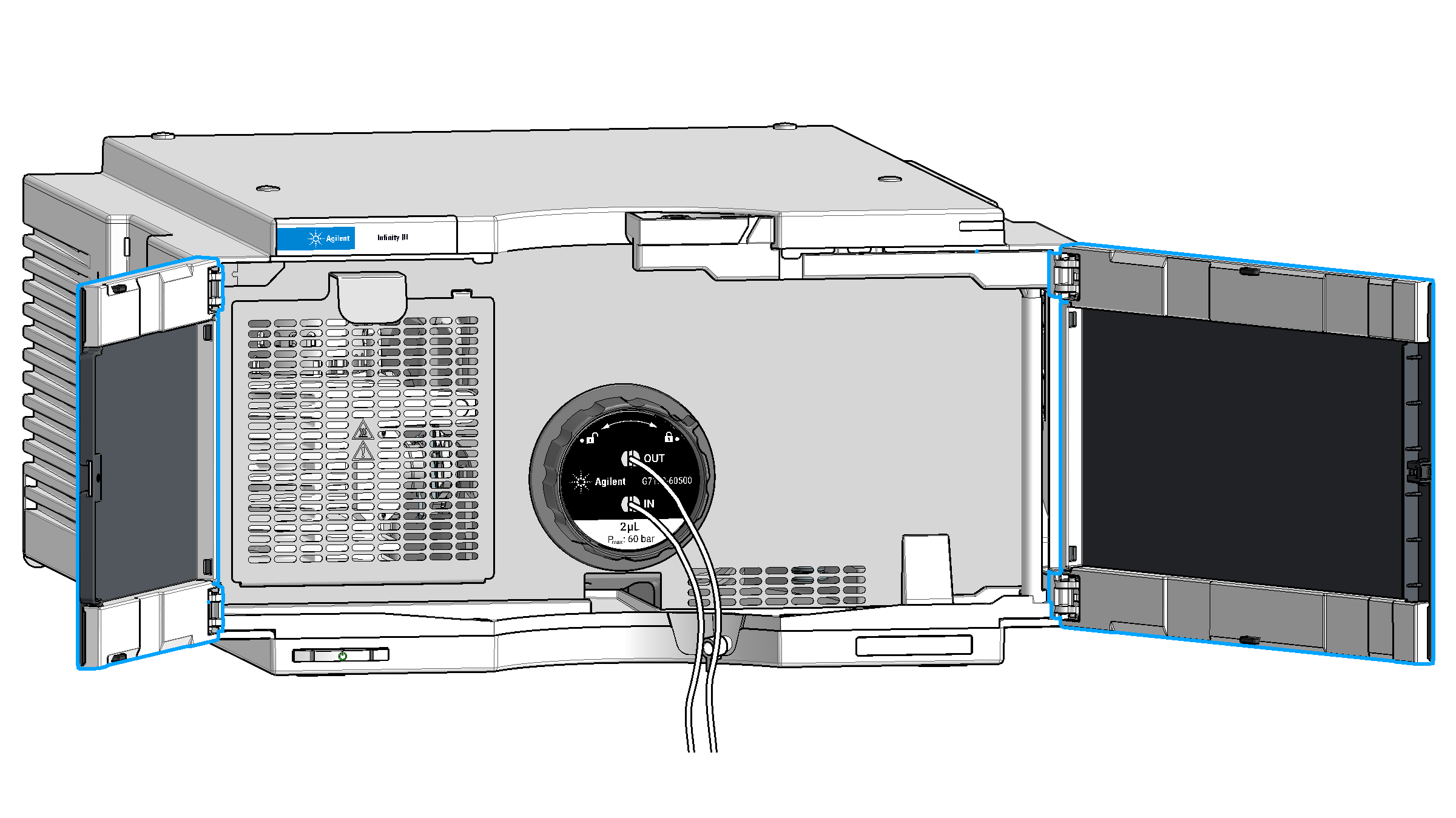
Uninstall the capillaries.
Install the flow cell plugs.
To unlock the flow cell, turn the black collar of the flow cell counter-clockwise until stop.
Remove the flow cell.
Turn the black collar of the flow cell to be installed to the unlock position, as indicated on the cell label. Then insert the flow cell into the detector until it stops. The flow cell is keyed, so it cannot be installed in a wrong way. To lock the cell, turn the black collar clockwise until stop position, also indicated by an acoustic click.
Remove the flow cell plugs.
Install the capillaries.
Close the doors.
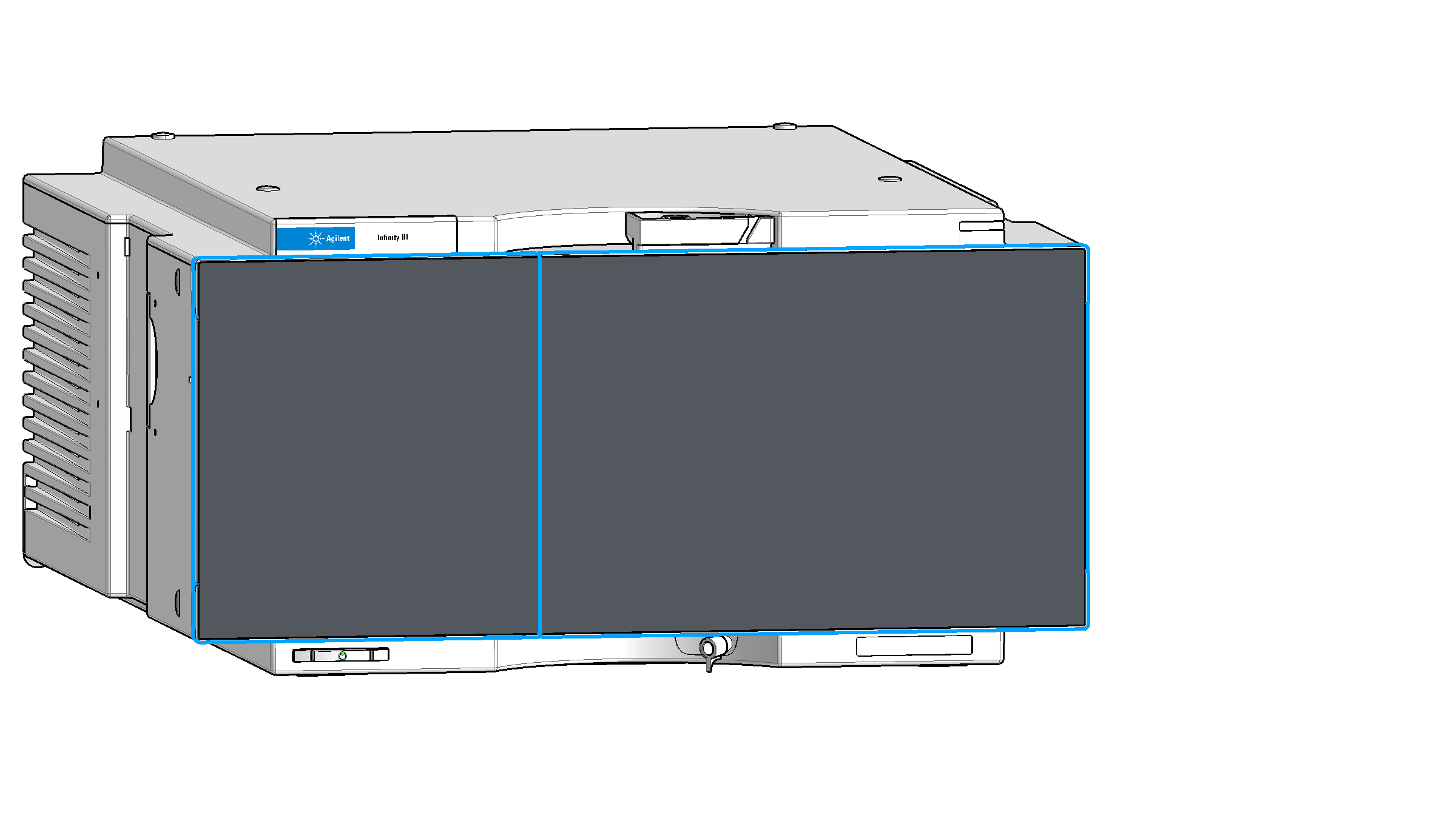
Turn on the pump.
Ignite the lamp.
If the installed cell is different to the previously installed one and has never been calibrated on this system before, perform a wavelength calibration (use fresh, clean water).
base-id: 13337034123
id: 27021611101257099